Your lab's brand, on every page and every vial
Your name, mark and colors carried through the storefront, checkout and order emails, with photoreal vial renders and designers on hand when you want them.
How it works
Step 1: Your name and mark from day one
Your store opens with your lab's name and a mark in your color, in the header, on the browser tab and on every shared link. Your own logo and favicon take its place when you have them. The research use only line runs across every page.
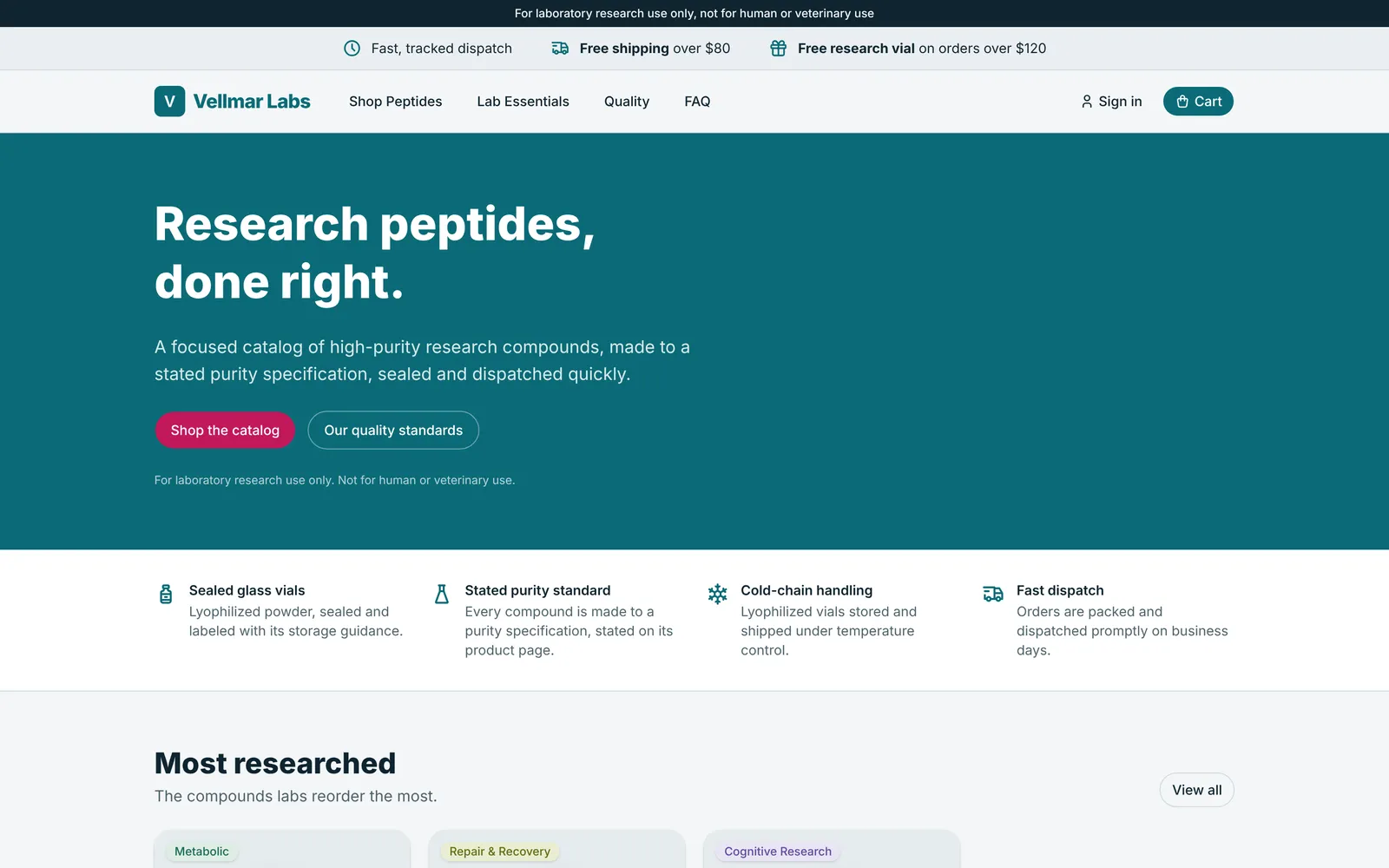
Step 2: One theme, the whole store
Your colors live in one theme, and every page follows it, from the home page to the product pages and the checkout. Nothing is left in somebody else's colors.
Theme
Step 3: Order emails wear it too
The emails your customers get, from the receipt to the dispatch note, carry the same name, mark and accent color as the store. The research use only line sits in every footer.

Step 4: Photoreal vials, not stock photos
Our designers put your label on a photoreal vial, with a render for each size, so the picture follows the size a shopper picks. Add a 360 degree spin and shoppers can turn the vial on the product card.
Step 5: Or hand it all to a designer
Done-for-you packages build your logo, palette, labels and renders, and deliver them straight into your store. Pick the one that fits how far along you are.


What it does
Labels ready for the printer
The Brand and Labels package designs a label system for up to 12 products, with batch, lot and research use fields, plus one packaging dieline.
Brand guidelines and a social kit
Every package starts with a logo suite, a favicon, a social media kit and a guidelines PDF, so whoever designs for you next stays on brand.
Your own domain when you are ready
Every lab starts on its own address at my-pepts.store, like vellmar.my-pepts.store, and can move to a domain of its own whenever it is ready.
Where AI helps
Drafts and readings you check. Nothing goes out until you press the button.
Coming next: brand drafts from a sentence
Describe your lab in a sentence and get palettes, type pairings and label layouts to start from. This is not built yet; when it lands, nothing will go live until you approve it.
Try it on your own catalog
Your store is live on yourlab.my-pepts.store seconds after you name it, and selling from A to Z in about 20 minutes.
More features
- StorefrontA complete storefront for research peptide labs: per-size product pages, certificates, checkout rules and country stores from day one.
- Order managementAn orders list that tells the truth, a packing bench on your phone, and real profit on every parcel.
- Suppliers & stockPrice lists from a WhatsApp screenshot, stock orders from a quote, parcels followed to your door and batches told apart by their labels, with Claude doing the typing.
- Baskets & journeysEvery basket, every visit and every step toward checkout, read as one timeline per visitor.
- Google AdsA live Google Ads panel, every click followed to its order, paid orders sent back as conversions, and an ad landing page that never names a compound.
- Email campaigns & AISend to people who asked to hear from you, fill templates from your catalog, and let Claude draft the words for you to approve.
- ShippingTracking numbers that fill themselves in, Royal Mail's updates passed on in your name, and orders that move to shipped and delivered on their own.